AI Image Generation for Beginners: Everything You Need to Know to Start Creating
![AI Image Generator for Beginners [60s Start]](/images/blog/ai-image-generator-for-beginners.webp)
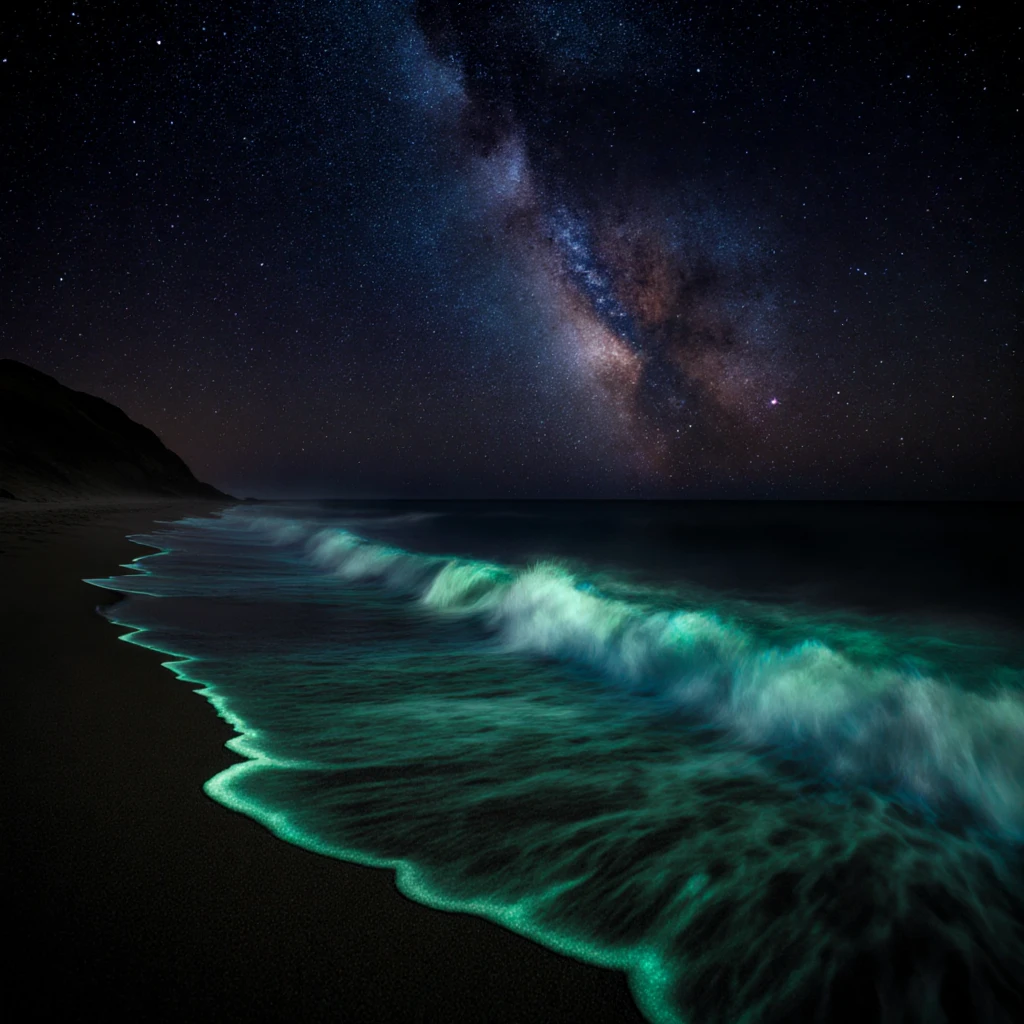
What Is AI Image Generation?
AI image generation is the process of creating images from text descriptions using artificial intelligence. You type a description of what you want to see, like "a golden retriever sitting in a field of sunflowers at sunset," and the AI creates an image matching that description. No drawing skills required. No software experience needed. Just words in, images out.
This technology has advanced dramatically in recent years. The images produced by modern AI generators are often indistinguishable from photographs or professional illustrations. People use them for everything from social media content and business marketing to personal art projects and professional design work.
If you have ever wished you could create visual art but lacked the technical skills, AI image generation removes that barrier entirely. The only skill you need is the ability to describe what you want, and even that is a skill you can develop quickly with practice.
How Does AI Image Generation Work? (The Simple Version)
You do not need to understand the technical details to use AI image generators effectively, but having a basic mental model helps you get better results.
The Training Phase
Before you ever type a prompt, the AI model has been trained on millions of images paired with text descriptions. During training, the model learns patterns: what "sunset" looks like, how "oil painting" differs from "photograph," what "dramatic lighting" means visually. It does not memorize or store specific images. Instead, it learns the statistical relationships between words and visual concepts.
Think of it like learning a language. A person who has read thousands of books does not memorize every sentence, but they understand grammar, vocabulary, and style well enough to write original sentences. AI image models work similarly: they learn the visual "grammar" of images well enough to create new ones.
The Generation Phase
When you type a prompt, the model starts with random visual noise, like static on an old television. It then gradually removes that noise in a series of steps, guided by your text description, until a coherent image emerges. Each step brings the image closer to matching your prompt.
This is why the process is called "diffusion." The model diffuses noise into signal, progressively refining the image from chaos into clarity. The number of steps in this process affects the quality of the final image. More steps generally mean more detail and coherence, but also more processing time.
Choosing an AI Image Generator
There are many AI image generators available, each with different strengths, limitations, and pricing models. Here is what to consider when choosing one:
Key Factors to Evaluate
- Image quality: Not all generators produce the same quality. Look for platforms that offer modern models like FLUX or SDXL, which represent the current state of the art.
- Cost: Some platforms charge per image, others offer subscriptions, and some are free. Consider how many images you plan to generate.
- Ease of use: As a beginner, you want a clean interface that does not overwhelm you with options. Advanced settings should be available but not required.
- Privacy: Some platforms store your prompts and images on their servers, and some use your generations to train their models. If privacy matters to you, look for platforms with clear data policies.
- Commercial rights: If you plan to use your images for business purposes, make sure the platform grants you commercial use rights.
- Signup requirements: Some platforms require account creation, email verification, or even payment information before you can generate a single image.
Why ZSky AI Works Well for Beginners
ZSky AI was designed to remove friction from the creative process. There is no credit card required, meaning you can start generating images immediately with a free account or providing personal information. The interface is straightforward: type your prompt, choose your settings, and click generate.
The platform runs on a dedicated cluster of a privately owned fleet of NVIDIA RTX 5090 GPUs, which means your images are generated on physical hardware that is not shared with millions of other users. This results in faster generation times and more consistent availability compared to cloud-based alternatives. Your prompts and images are processed privately and are not used to train external models.
All images are generated without video watermarks and with full commercial use rights, so you can use your creations however you choose from day one.
Common Mistakes Beginners Make
Knowing what not to do is just as valuable as knowing what to do. Here are the most frequent beginner mistakes and how to avoid them.
1. Prompts That Are Too Vague
Writing "a beautiful landscape" gives the AI almost no direction. Beautiful how? What kind of landscape? What time of day? What season? The more specific you are, the better your results. Instead, try "a snow-covered mountain lake at sunrise, pine trees reflecting in still water, soft pink and orange sky, landscape photography."
2. Cramming Too Much Into One Prompt
The opposite problem is trying to describe an impossibly complex scene with dozens of specific elements. AI generators handle 3-5 main elements well but struggle when you describe 15 different subjects each with specific attributes. Keep your compositions focused.
3. Ignoring Style Directions
Forgetting to specify a style means the AI chooses one for you, and it might not be what you want. Always include at least a basic style reference: "photograph," "oil painting," "watercolor," "digital illustration," "anime," or "3D render."
4. Giving Up After One Generation
AI image generation involves randomness. Your first result for a given prompt might not be great, but the fifth or tenth might be exactly what you envisioned. Generate multiple images from the same prompt before deciding it does not work. Professional AI artists routinely generate 20-50 images before selecting their best outputs.
5. Not Iterating on Prompts
If your first prompt does not produce what you want, do not start over completely. Look at what the AI did produce and adjust your prompt to fix the specific things that were wrong. This iterative approach is faster and more effective than writing entirely new prompts each time.
6. Comparing to Professionals Immediately
Experienced AI artists have spent months or years refining their prompt engineering skills. Their impressive results come from deep knowledge of what specific words, phrases, and combinations produce specific visual effects. Give yourself time to develop this intuition.
Choosing the Right Model
Most platforms offer multiple AI models, each with different characteristics. ZSky AI provides access to several, including FLUX and SDXL. Here is a simple guide to choosing between them:
- FLUX: The most capable general-purpose model currently available. Excellent prompt adherence, strong at realistic images and complex compositions, good text rendering. Choose this as your default for most tasks.
- SDXL: Slightly different artistic strengths compared to FLUX. Excellent for stylized art, illustrations, and creative compositions. A great second choice when FLUX's results do not match your vision.
As a beginner, start with advanced AI for everything. Once you are comfortable with prompt writing and want to explore different aesthetics, try the same prompts in SDXL to see how the outputs differ. Our FLUX vs SDXL comparison goes deeper into the strengths of each model.
Next Steps After the Basics
Once you are comfortable generating images and writing basic prompts, here are productive directions to explore:
- Study effective prompts. Our collection of 30+ tested FLUX prompts provides templates you can learn from and modify.
- Develop a specialty. Focus on one genre or style and get really good at it. Portrait prompts, landscape prompts, product photography prompts, and fantasy art prompts each have their own techniques.
- Learn post-processing. Even basic editing skills like cropping, color adjustment, and compositing can dramatically improve your AI-generated images.
- Explore commercial use. If you are creating images you are proud of, consider monetizing your AI art through print-on-demand, stock photography, or freelance work.
- Join the community. AI art communities on Reddit, Discord, and social media are excellent places to learn new techniques, share your work, and get feedback.
The most important thing is to start generating. Head to ZSky AI, type a prompt, and see what happens. Every generation teaches you something about how the AI interprets language and creates images. The more you experiment, the faster you will develop the intuition that separates casual users from skilled AI artists.
Try ZSky AI Free
Generate videos, images, and more with dedicated GPU power. No credit card required.
Start Creating →Related read: Best AI Image Generator for Beginners (2026 Guide).
Related read: Best Free AI Image Generator for India (2026).