Free AI Video Generator with Sound: Create Videos with Audio Included
The biggest problem with AI video generators is silence. Every major platform — from the biggest names to the newest startups — generates video without audio. You get a visually impressive clip with zero sound. No music. No ambient noise. No sound effects. Nothing. A video without sound is only half a video, and on social media, it is essentially invisible.
Finding a free AI video generator that actually includes sound has been impossible — until now. ZSky AI generates video with synchronized audio on its free tier. You describe a scene, and the AI produces both the visual content and matching audio in a single generation. Rain sounds for rain scenes. Music for cinematic sequences. Ambient noise for urban environments. All embedded directly in the MP4 file.
No post-production. No separate audio sourcing. No sync editing. Just a complete video with sound, ready to use.
Why Sound Matters More Than You Think

Sound is not a nice-to-have for video content — it is a critical engagement factor that determines whether your video gets watched or skipped.
- TikTok algorithm: Audio is a core ranking signal. Silent videos are systematically deprioritized. Sound-on content gets 3-5x more reach.
- Instagram Reels: Instagram's recommendation engine favors videos with original audio or trending sounds. Silent videos are rarely surfaced in Explore.
- YouTube Shorts: Sound-on retention rates are 3x higher than sound-off. YouTube's algorithm directly uses retention to determine distribution.
- Viewer psychology: Research shows viewers perceive video with audio as 70% more professional and trustworthy than silent video, even when the visual quality is identical.
- Retention: Viewers watch sound-on videos 2.5x longer on average. Longer watch time triggers algorithmic amplification on every platform.
A silent AI video forces you into a multi-step workflow: generate the video, find audio (music library, sound effects site, or a separate AI audio tool), sync the audio in an editor, and export. This takes 15-30 minutes per clip and requires editing skills most people do not have. ZSky AI collapses this into a single step that takes under two minutes.
How ZSky AI Generates Video with Sound
ZSky AI generates the video and its soundtrack together in a single pass: you type one prompt, and the engine renders the moving image while composing matched ambient sound, effects, and tone for the same scene. Because audio is produced with the footage rather than layered on afterward, footsteps land when feet touch the ground and rain sounds arrive with the rain. Every video on every tier includes this synchronized audio at no extra cost — there is no silent option — and the free tier is unlimited, so you can iterate on a scene until the sound and motion both feel right.
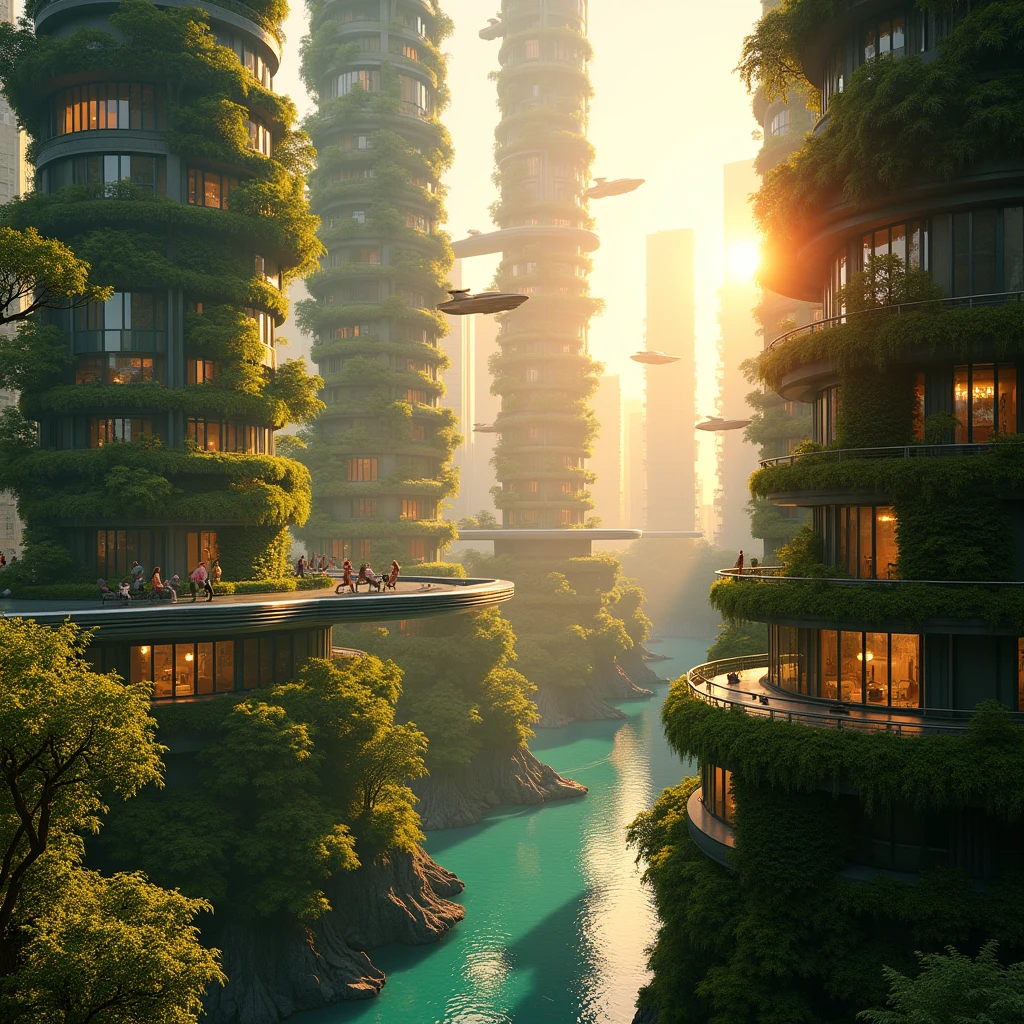
When you submit a video prompt on ZSky AI, the platform runs a two-stage pipeline. The visual generation engine creates the video frames — scene, motion, lighting, camera movement. Then the audio generation engine analyzes both your prompt and the visual content to produce a synchronized audio track. The result is a single MP4 file with embedded audio, ready to download and use.
Types of Audio the Engine Generates
- Ambient soundscapes: Rain, wind, ocean, fire crackling, city traffic, forest sounds, room tone
- Background music: Cinematic orchestral, lo-fi beats, electronic ambient, acoustic guitar, dramatic tension, upbeat pop
- Sound effects: Footsteps, mechanical sounds, whooshes, impacts, water splashing, glass clinking
- Environmental audio: Crowd noise, restaurant ambiance, market sounds, stadium atmosphere, office hum
- Nature audio: Birdsong, thunder, waves, waterfall, wind through trees, cricket chirps
Step-by-Step: Generate Free Video with Sound

- Go to zsky.ai — No credit card required. Select video generation from the creation interface.
- Write your prompt with audio cues — Describe the visual scene AND include sound keywords. Example: "A cozy fireplace in a dark cabin, flames flickering, camera slowly zooming in, warm orange light, sound of crackling fire and soft wind outside, relaxing atmosphere."
- Select your settings — Choose aspect ratio (16:9 for landscape, 9:16 for social media vertical, 1:1 for Instagram), resolution, and duration.
- Generate — Click generate and wait 30-90 seconds. Both video and audio are created simultaneously.
- Preview and download — Play the result with sound in your browser. Download the MP4 with embedded audio. No editing needed.
Free AI Video with Sound: Platform Comparison

| Platform | Video | Audio | Audio on Free Tier | Signup Required |
|---|---|---|---|---|
| ZSky AI | Yes | Yes (synchronized) | Yes | No |
| Runway | Yes | No | N/A | Yes |
| Pika | Yes | No | N/A | Yes |
| Kling | Yes | No | N/A | Yes |
| Luma | Yes | No | N/A | Yes |
Tips for Better Audio in Your AI Videos
Be Explicit About Sound
Do not rely on the AI to infer audio from visuals alone. Explicitly state what you want to hear: "sound of rain," "gentle piano music," "crowd cheering," "footsteps on gravel." Explicit audio keywords produce dramatically better results.
Layer Multiple Audio Elements
Real-world audio is layered. A cafe scene includes background chatter, espresso machine sounds, clinking cups, and maybe soft music. Include 3-4 audio elements in your prompt for rich, realistic soundscapes.
Match Audio Intensity to Visual Intensity
A dramatic storm scene needs dramatic audio: "thunder crashing, wind howling." A calm meditation scene needs soft audio: "gentle rain, distant birdsong." Mismatched intensity produces jarring results.
Use Mood Words for Music
When you want background music, describe the mood rather than specific instruments: "cinematic and epic," "calm and meditative," "upbeat and energetic," "dark and suspenseful." Mood keywords guide the audio engine toward appropriate musical styles.
Frequently Asked Questions
Which AI video generator includes sound?
ZSky AI produces synchronized audio with the video on its free tier. Most competitors generate silent video only, requiring you to add audio separately using editing software or audio tools.
Is AI video with sound really free?
Yes. ZSky AI includes synchronized audio with every video on every tier at no extra cost — there is no silent option. Generation is unlimited on the free tier, and no subscription required or credit card is required.
What kind of audio does AI video generation include?
ZSky AIs audio engine generates ambient soundscapes (rain, wind, ocean), background music (cinematic, lo-fi, electronic), sound effects (footsteps, impacts, splashes), environmental audio (crowd noise, cafe ambiance), and nature sounds (birdsong, thunder, streams). The audio is synchronized to the visual content.
Can I control the audio in AI-generated videos?
Yes. Include specific audio keywords in your prompt to control what sounds are generated. Mention sound effects, music style, ambient sounds, and audio mood. The audio engine picks up on these keywords and generates matching audio.
Do AI videos with sound work for TikTok and Instagram?
Yes. Videos generated on ZSky AI are exported as standard MP4 files with embedded audio tracks. They upload directly to TikTok, Instagram Reels, YouTube Shorts, and any other social media platform without conversion or editing.
Start Creating Free
Unlimited video and image generation. Free to use. No credit card required.
Try ZSky AI Free →Related read: How to Edit AI Videos After Generation.
Related read: AI Video for Marketing: Create Ads Free.
Related read: How to Create Memorial Videos with AI (Free, Touching).