How to Make Phone Wallpapers with AI (Free, 4K)
Your phone wallpaper is the image you see more than any other in your life. You unlock your phone 80 to 100 times per day on average, and each time you are looking at your wallpaper. It should be something you genuinely love — not a default gradient or a random stock photo you settled on three years ago.
AI image generation lets you create a completely custom, one-of-a-kind phone wallpaper in under a minute. Want a misty Japanese temple at dawn? A neon cyberpunk cityscape? An abstract gradient that perfectly matches your phone case? Just describe it and it appears. This guide shows you exactly how to create stunning wallpapers using ZSky AI, with 20+ ready-to-use prompts.

Step 1: Choose Your Aesthetic
Phone wallpapers fall into distinct aesthetic categories. Choosing your category before writing a prompt produces much better results:
- Abstract/Gradient — Flowing colors, smooth gradients, geometric shapes. Clean, modern, and works with any icon set.
- Nature/Landscape — Mountains, oceans, forests, skies. Calming and always beautiful.
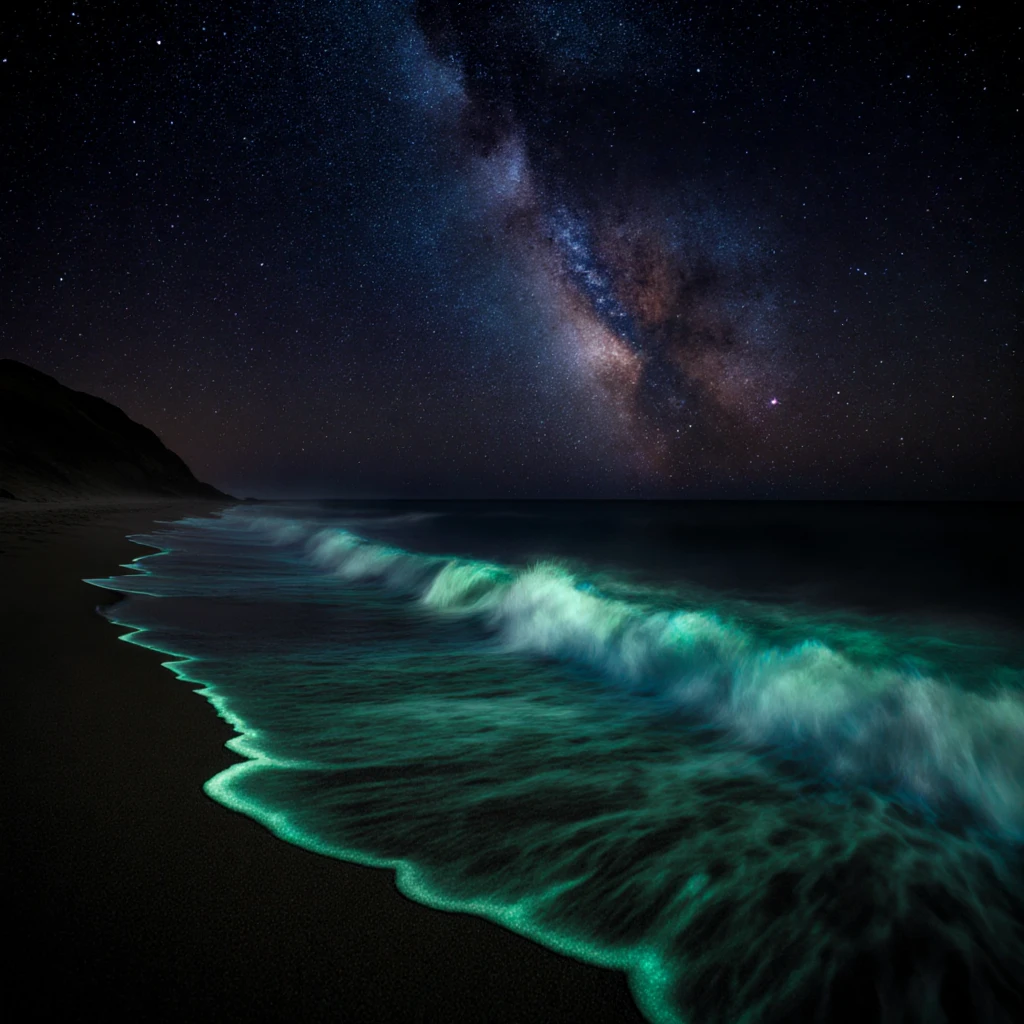
- Dark/AMOLED — Deep blacks with accent elements. Saves battery on OLED screens and looks stunning at night.
- Minimalist — Simple shapes, lots of negative space, one focal point. Clean and uncluttered.
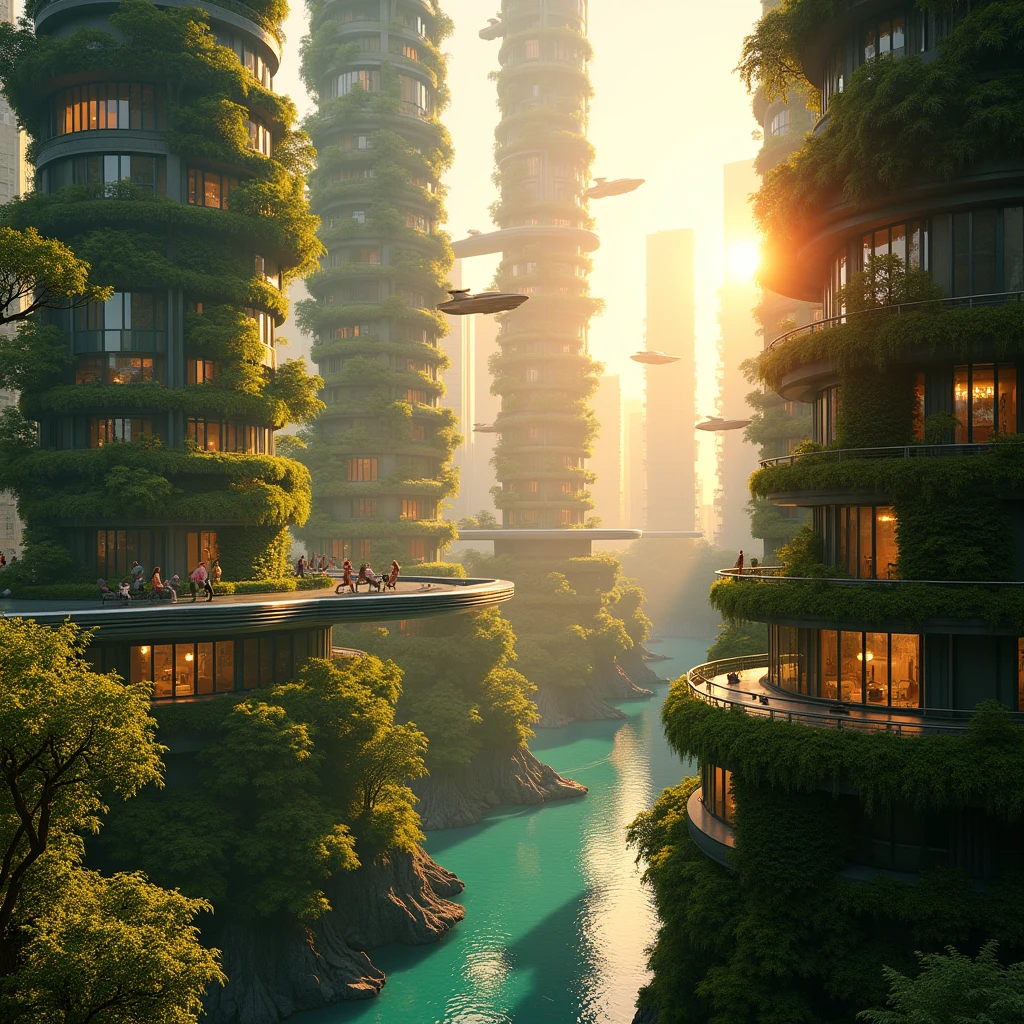
- Cyberpunk/Neon — Neon lights, futuristic cities, glowing elements on dark backgrounds. Vibrant and eye-catching.
- Anime/Illustration — Illustrated scenes, character art, stylized landscapes. Expressive and personal.
- Space/Cosmic — Nebulae, planets, star fields, cosmic phenomena. Awe-inspiring and deep.
- Vintage/Film — Warm film grain, retro colors, nostalgic mood. Cozy and artistic.
Step 2: Write Your Wallpaper Prompt
The key to great phone wallpapers is specifying vertical/portrait orientation and thinking about where your clock, icons, and widgets sit. Here are proven prompts for each aesthetic:
Abstract Gradient
Nature Landscape
Dark AMOLED
Minimalist
Cyberpunk City
Anime/Illustration
Space/Cosmic
Vintage Film


Step 3: Optimize for Your Phone
Not all beautiful images make great wallpapers. Here is how to ensure your AI wallpaper actually works well on your phone:
- Keep the upper third simple. Your clock, notifications, and status bar live here. Avoid busy details in the top 20% of the image.
- Avoid small text or fine patterns. Your app icons, folder labels, and widgets sit over the wallpaper. Complex patterns behind them make everything harder to read.
- Dark wallpapers are more practical. Light wallpapers can wash out white app labels and status bar icons. Dark or medium-toned wallpapers keep everything readable.
- Test before committing. Set the wallpaper temporarily and check: can you read all your app names? Does the clock show clearly on the lock screen? Does it look good with your case and icon theme?


Pro Tips for Perfect Wallpapers
Match your phone case. Generate wallpapers in colors that complement your phone case for a cohesive look. If you have a forest green case, try a wallpaper with complementary gold and deep green tones.
Create a lock screen and home screen pair. Generate a detailed, artistic image for the lock screen (where no icons compete) and a simpler, darker version for the home screen (where icon readability matters).
Build a collection. Generate 10 to 20 wallpapers in one session and save them in a folder. Rotate through them weekly for a fresh look without spending time creating new ones each time.
Try AMOLED-optimized designs. If you have an OLED phone (most modern phones), wallpapers with true black (#000000) areas save significant battery because those pixels are completely off.
For more creative inspiration, explore our guides on AI art styles, anime art prompts, prompt formulas, and 100 AI art prompts.

Frequently Asked Questions
What resolution should phone wallpapers be?
Most modern smartphones use displays around 1080x2400 pixels (FHD+) to 1440x3200 pixels (QHD+). For 4K quality, aim for at least 2160x3840 pixels. ZSky AI generates high-resolution images that look sharp on any phone display. If your generated image is slightly smaller, it will still look excellent on most screens.
How do I make wallpapers that look good with app icons?
Include clean or simple areas in your prompt where app icons will sit. Add phrases like "clean gradient in upper half" or "subtle pattern that does not compete with foreground elements." Avoid busy, high-detail textures across the entire image. The most usable wallpapers have visual complexity in one area and simplicity in another.
Can I use AI wallpapers on both iPhone and Android?
Yes. AI-generated wallpapers work on any phone. Both iOS and Android let you set any image as your wallpaper through Settings or by long-pressing on the image. Generate in portrait orientation (vertical) at the highest resolution available for best results across all devices.
Should I use different wallpapers for lock screen and home screen?
Many people prefer a more detailed, artistic wallpaper for their lock screen (where no icons compete for attention) and a simpler, darker wallpaper for their home screen (where readability of icons and text matters). AI makes this easy — generate a detailed version and a minimal version using similar prompts.
How often should I change my phone wallpaper?
As often as you like. Many people change wallpapers seasonally or whenever they want a fresh look. With AI generation, you can create a new wallpaper in under a minute, so there is no reason not to refresh your screen whenever inspiration strikes. Some people generate a batch of 10 to 20 wallpapers and rotate through them.
Your Phone Deserves Better
Stop settling for default wallpapers. Create something beautiful and uniquely yours in under a minute.
Create Wallpapers Free →