AI Video with Sound Generator — Free in 2026
Most AI video generators produce silent clips. You get a beautiful 5-second video of ocean waves — with zero audio. No crashing water, no wind, no gulls. Just silence. Then you spend 30 minutes hunting for stock audio that sort of matches.
That changed. ZSky AI generates 1080p video with synchronized audio in a single step. Describe a campfire and you get the crackling. Describe a street market and you get the chatter. The audio isn’t pulled from a library — it’s generated to match what’s happening in the video.
Here’s how it works, what it sounds like, and how to get the best results.
Try it free — free account, no credit card

Unlimited video and image generation on the free tier. Generate video with audio in under 60 seconds.
Generate Video with Sound →Why Most AI Video is Still Silent
The big names — Runway, Pika, Luma Dream Machine, Kling — all focused on making video look better in 2025. Higher resolution, longer clips, better motion. But almost all of them ship silent MP4 files.
That’s a problem if you actually want to use the video. Social media posts need audio. Marketing clips need sound design. WhatsApp statuses need music. Even a simple product demo feels lifeless without ambient sound.
The workaround — exporting your silent clip, opening a DAW or video editor, finding matching audio, syncing it manually — kills the speed advantage of AI generation in the first place.
Is It Really Free, or Is There a Catch?
There’s no catch. ZSky’s free tier includes unlimited video and image generation with synchronized audio — no credit card to sign up, no per-video limit, and no hidden cap that switches on a paywall mid-project. The only differences on paid plans are queue priority (faster generation), 1080p export, and removal of the small ZSky wordmark. Every account, free or paid, gets the same audio-generation quality on every video, so free users aren’t stuck with a degraded version of the feature.
How AI Video with Audio Works on ZSky
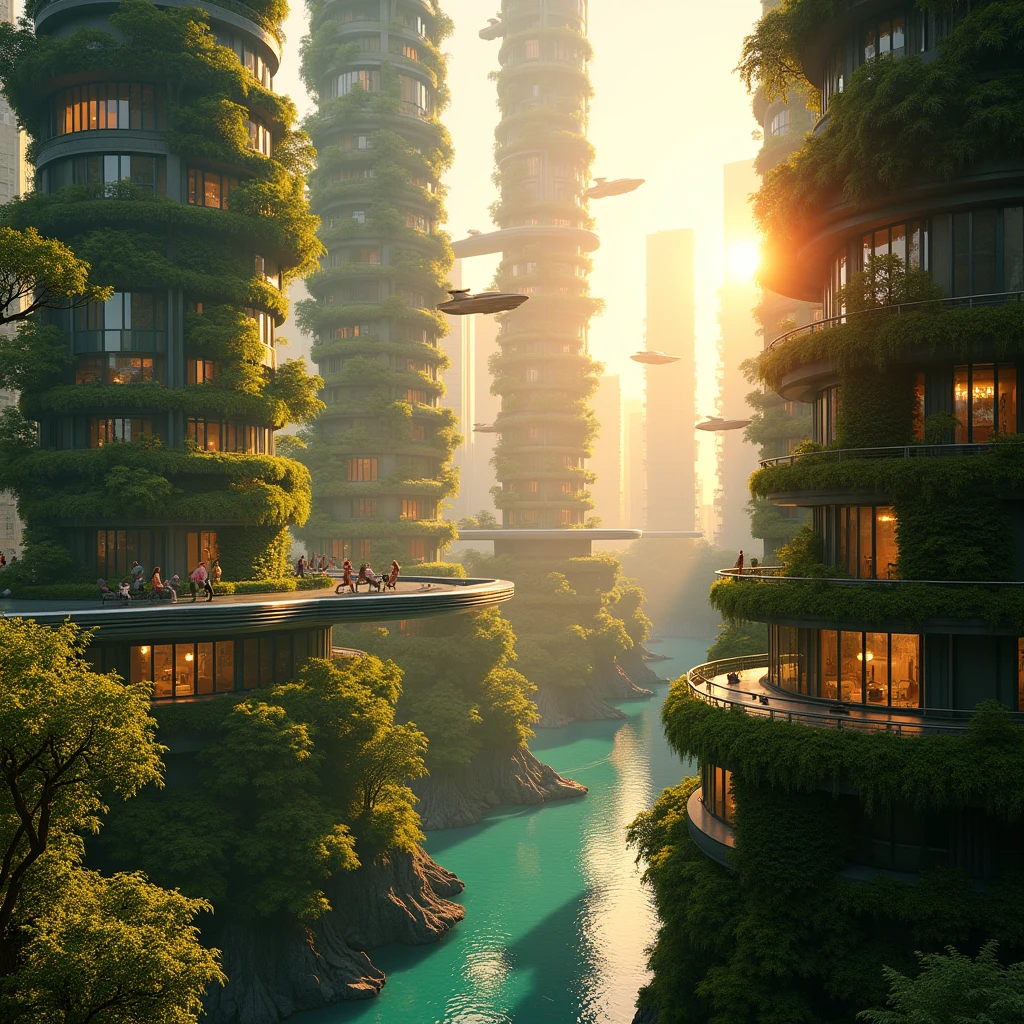
ZSky generates video and audio together. You write one prompt, and the output is a single MP4 with embedded sound. The audio generation model analyzes the visual content and your text prompt to produce matching audio.
Text-to-Video: Describe a scene from scratch. Image-to-Video: Upload a still image and animate it with sound.
Include visual motion and sound descriptions. The model uses both to generate matching audio.
Hit Generate. In under 60 seconds you get a 1080p video with synchronized audio baked in. Download the MP4 and use it anywhere.
Use Cases for AI Video with Audio
Social Media Content
Instagram Reels, TikTok, YouTube Shorts — all reward video with sound. Muted videos get skipped. AI-generated video with built-in audio means you can post directly without additional editing. Generate a 5-second atmospheric clip, add a text overlay in your phone, and post.
WhatsApp & Telegram Statuses
Short video statuses with ambient music or sound effects stand out. Generate a moody clip with rain sounds or a cheerful sunset with acoustic guitar, and use it as your status. No editing apps needed. See our complete guide to AI WhatsApp status videos for more ideas and prompts.
Product Demos & Ads
A product rotating on a surface with a soft ambient soundtrack feels 10x more professional than a silent clip. Generate product videos with appropriate audio — the clink of glass, the rustle of fabric, the click of a mechanism — and use them in ads, landing pages, or email campaigns.
Podcast & YouTube Intros
Need a 5-second animated intro with atmospheric audio? Describe it in one prompt. A camera pushing through cosmic nebulae with a deep synth drone. A slow dolly across a minimalist desk setup with a soft ambient tone. Done in seconds instead of hours in After Effects.
Presentations & Pitch Decks
Embed short AI-generated video clips with sound into your slides. A data visualization that comes alive with a subtle electronic pulse. An establishing shot of a city skyline with ambient traffic. It adds production value that stock video can’t match because it’s custom to your content.
Music Visualizers & Spotify Canvas
Generate abstract or atmospheric video clips with ambient audio for music visualizers or Spotify Canvas loops. The AI can produce generative visuals with complementary sound design in a single prompt.
Tips for Better Audio in AI Video
- Name specific sounds. Don’t write “nature sounds.” Write “chirping crickets, distant owl hoot, gentle stream babbling.”
- Describe proximity. “Close-mic crackling fire” sounds different from “distant campfire in a clearing.” Audio perspective matters.
- Match mood to motion. Fast camera movements pair with energetic audio. Slow dolly shots pair with ambient, sustained sounds.
- Use cinematic language. Terms like “ASMR-style,” “lo-fi,” “cinematic score,” “ambient drone,” “foley” help the model understand what type of audio you want.
- Avoid conflicting cues. Don’t describe a quiet library scene with “loud explosion sounds.” Keep visual and audio descriptions consistent.
- Experiment with image-to-video. Upload a still photo and describe the audio separately. This gives you precise visual control with AI-generated audio layered on top.
Image-to-Video with Sound: A Creative Workflow
One of the most powerful combinations is generating an image first using ZSky’s image generator, then converting it to video with audio:
- Generate an image with a detailed prompt — for example, a vintage diner at night with neon signs.
- Upload that image to Image-to-Video mode.
- Add a motion + audio prompt: “Slow push toward the diner entrance. Neon buzzing, distant jazz music from inside, car passing on wet road, gentle rain on roof.”
- Generate. You get a cinematic clip of your image coming to life with perfectly matched sound.
This two-step workflow gives you full control over both the visual composition and the audio atmosphere. It’s how professional creators use AI video tools — image first for the look, then video for the motion and sound.
Free vs. Paid: What You Get

- Free tier: unlimited video and image generation for every creator, no credit card required. Video generation with audio included. Small ZSky wordmark on output. Creations stored for 7 days.
- Pro ($19/mo): 1080p videos with audio, instant generation, no wordmark, image editing.
- Max ($99/mo): dedicated GPU and white-label for high-volume production. See all plans.
Video generation with audio is included on every tier, free included. The differences on paid plans are queue speed, 1080p output, and wordmark removal.
Generate your first video with sound
No credit card required. Unlimited video and image generation on the free tier. Takes under 60 seconds.
Start Creating →Frequently Asked Questions
Can AI really generate video with matching sound?
Yes. The audio generation model analyzes both your text prompt and the visual content to produce synchronized sound. It’s not a random soundtrack — a fire scene gets crackling, a rain scene gets rainfall. The quality varies with prompt specificity, but well-described scenes produce impressively accurate audio.
What formats does the video export in?
MP4 with embedded AAC audio at 1080p resolution. Compatible with every major platform: Instagram, TikTok, YouTube, Twitter/X, WhatsApp, Telegram, and all video editors.
Can I generate just audio without video?
Currently, audio is generated as part of the video pipeline. For standalone audio generation, you’d need a dedicated audio AI tool. ZSky’s strength is the combined video + audio generation in one step.
How long are AI-generated videos with sound?
Clips are typically 3–8 seconds depending on your plan and settings. For longer content, generate multiple clips with consistent prompts and combine them in any video editor. The audio continuity makes this surprisingly seamless.
Is the audio royalty-free for commercial use?
Yes. All paid plans include commercial use rights for both the video and audio. You own the output and can use it in client work, ads, products, and content without additional licensing.
Related read: Best Free AI Tools 2026: No Limits, No Subscription Required.