First Frame Last Frame AI Video: The Complete Guide
What Is First Frame Last Frame AI Video?

First Frame Last Frame (FFLF) is one of the most exciting breakthroughs in AI video generation. The concept is simple but powerful: you provide two images — a starting frame and an ending frame — and the AI generates every frame in between, creating a seamless video that transitions from one to the other.
Think about what this means. You can upload a photo of a building as a construction site and another of the finished skyscraper, and the AI will generate a time-lapse of the construction process. You can provide a portrait of someone young and another of them decades older, and the AI creates a smooth aging transformation. The possibilities are genuinely limitless.
Other platforms call this feature "Keyframe Control" (Runway), "Start/End Frame" (Kling), or "Keyframes" (Luma). On ZSky AI, we call it what it is: First Frame Last Frame. Upload two images, get a video. No complexity, no jargon.
How FFLF Video Generation Works

When you upload two images to ZSky AI's FFLF tool, a sophisticated process happens behind the scenes:
1. Image Analysis. The AI analyzes both images to understand their content, composition, lighting, and visual elements. It identifies what is shared between the frames and what changes.
2. Motion Planning. The AI calculates the most natural path between the two states. If a flower is a bud in frame one and fully bloomed in frame two, the AI plans the intermediate stages of blooming. If a landscape is daytime in the first frame and nighttime in the last, it plans the sunset transition.
3. Frame Interpolation. Using advanced diffusion-based models running on our dedicated RTX 5090 GPU cluster, the AI generates each intermediate frame. These are not simple morphs or crossfades — the AI creates genuinely new visual content that bridges the gap between your two images with realistic physics, lighting, and motion.
4. Temporal Consistency. The generated frames are refined for temporal coherence, ensuring smooth motion without flickering, warping artifacts, or inconsistencies. The result is a polished video clip ready for download.
FFLF videos on ZSky AI are also delivered with AI-generated audio. Learn more about how our AI video with sound generator creates synchronized audio that matches the visual content of your transition.
Creative Use Cases for FFLF
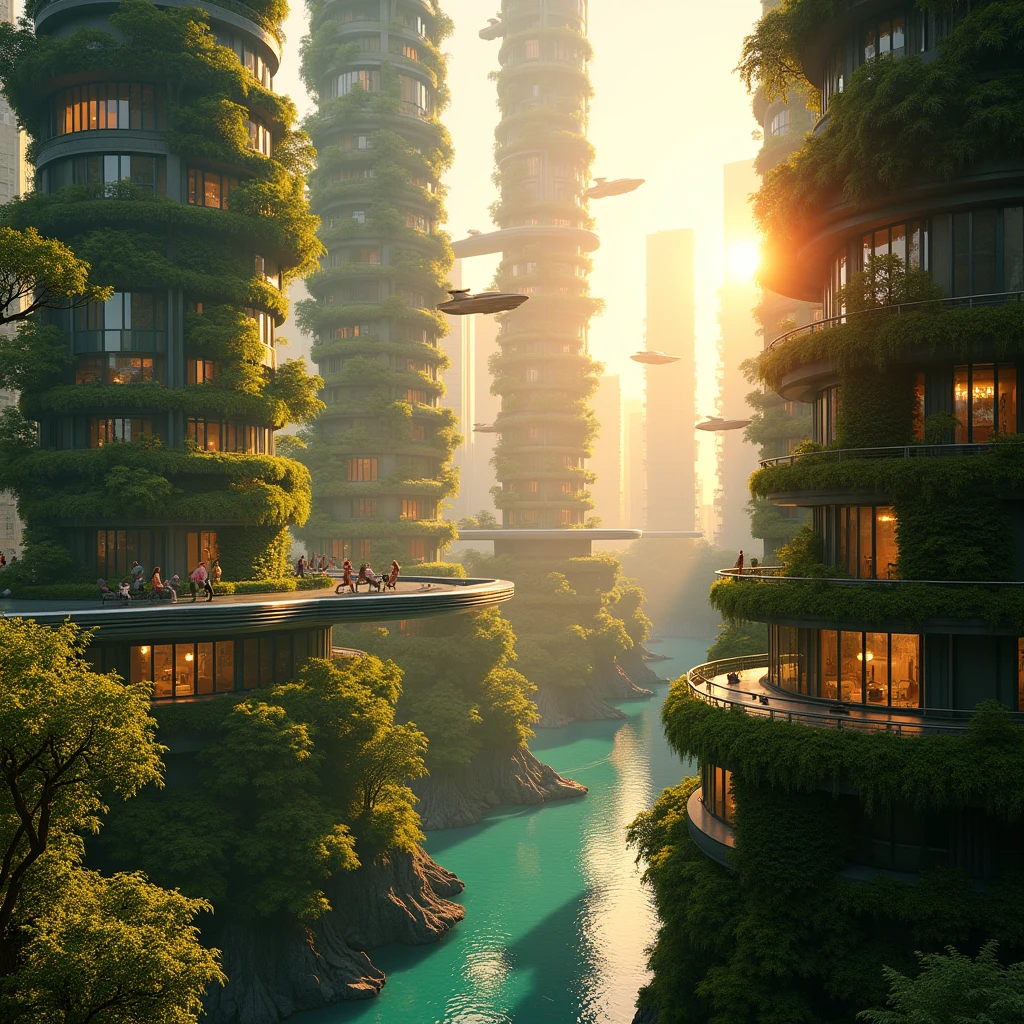
Scene Morphing and Transitions
FFLF creates stunning visual transitions between any two scenes. Upload a summer landscape and a winter version of the same location, and watch the seasons change in seconds. This is incredibly powerful for filmmakers, social media creators, and anyone who wants to show transformation.
Prompt tip: For the best morphing results, keep the camera angle and composition similar between your two images. The AI handles the content transformation brilliantly when the framing stays consistent.
Product Reveals and Unboxing
E-commerce brands use FFLF to create compelling product reveal videos. Upload an image of a closed box and another of the product fully displayed, and the AI generates a dramatic unboxing sequence. This works for tech products, fashion items, cosmetics, food packaging — anything you sell.
Prompt tip: Shoot your product against a clean, consistent background for both frames. The AI will focus its creative energy on the reveal transition rather than trying to reconcile different backgrounds.
Before and After Animations
Fitness coaches, renovation companies, makeup artists, and anyone in a transformation business can create compelling before-and-after videos. Upload the "before" and "after" photos, and the AI generates a smooth transformation between them.
Time-Lapse Creation
Create artificial time-lapses without setting up a camera for hours. Upload a sunrise photo and a sunset photo of the same location, and the AI generates a believable day passing. Construction progress, plant growth, city transitions from day to night — all from just two photos.
Character Aging and Transformation
Upload a portrait at two different ages, or the same character in two different outfits, moods, or environments. The AI generates a smooth character transformation that feels cinematic and intentional.
Social Media Content
FFLF videos are social media gold. The transformation format naturally hooks viewers — people want to see what happens between the two states. These videos consistently perform well on TikTok, Instagram Reels, and YouTube Shorts because of their inherent visual storytelling.
Tips for Better FFLF Results

Match your compositions. Keep camera angle, framing, and subject placement similar between your two images. The AI performs best when it can focus on transforming the content rather than also adjusting perspective.
Use consistent lighting direction. If your first image has light coming from the left, try to have your last image lit from a similar direction. This produces more natural-looking transitions.
Start with simple transformations. Your first FFLF video should be something straightforward — the same object in two colors, a face with two expressions, or a landscape in two seasons. Once you see how the AI handles simple transitions, you will have a better sense of what it can do with complex ones.
Add motion prompts for complex transitions. If your two images are very different (like a forest and a city), add a text prompt describing the intermediate stages you envision. This gives the AI creative direction for the journey between your two endpoints.
Consider video length. Dramatic transformations benefit from longer durations (5-10 seconds) to make the transition feel gradual and cinematic. Subtle changes work better at shorter durations (3-5 seconds) for punchy, social-media-friendly content.
FFLF vs Other AI Video Approaches
| Approach | Input | Control Level | Best For |
|---|---|---|---|
| First Frame Last Frame | Two images | High — you define start and end | Transformations, transitions, morphs |
| Text to Video | Text prompt only | Medium — AI interprets freely | Creative exploration, concept videos |
| Image to Video | One image + text | Medium — you set the look, AI adds motion | Animating still photos, art |
| AI Lipsync | Image + audio | High — audio drives the output | Talking head content, presentations |
| Image + Audio to Video | Image + audio | Medium — audio influences visuals | Music videos, visualizers, podcasts |
FFLF gives you the most precise creative control of any AI video method because you define both the starting point and the destination. The AI only fills in the journey.
Real-World FFLF Video Ideas
- Real estate: Empty room to fully furnished — show staging possibilities
- Fashion: Casual outfit to formal wear — show versatility
- Food: Raw ingredients to finished dish — show the cooking journey
- Nature: Seed to full bloom — show growth over time
- Art: Blank canvas to finished painting — show the creative process
- Fitness: Day one to transformation — show progress
- Architecture: Blueprint to finished building — show the vision realized
- Weather: Clear sky to storm — show dramatic environmental change
Frequently Asked Questions
What is First Frame Last Frame AI video?
First Frame Last Frame (FFLF) is an AI video technique where you upload two images — a starting frame and an ending frame — and the AI generates a smooth video transition between them. The AI fills in all the intermediate frames, creating natural motion, morphing, and visual storytelling between your two chosen moments.
Is First Frame Last Frame video generation free?
Yes. ZSky AI offers free FFLF video generation with unlimited video and image generation. No credit card or subscription is required. Higher resolutions and longer durations take a bit more time to render.
What types of images work best for FFLF?
Images with related subjects and similar compositions produce the best results. For example, the same landscape in summer and winter, a person smiling then laughing, or a product from two angles. The AI handles dramatic transformations too — like day to night or young to old — but keeping some visual continuity helps the transition feel natural.
How long are FFLF generated videos?
FFLF videos on ZSky AI typically range from 3 to 10 seconds, depending on the complexity of the transition. Shorter durations work well for quick morphs and social media content, while longer durations allow for more gradual, cinematic transformations.
Can I use FFLF for commercial projects?
Yes. FFLF videos on ZSky AI render at up to 1080p and are cleared for commercial use on every tier, including free. Use them in ads, social media, presentations, or any other project without licensing restrictions.
Your Two Images, One Stunning Video
Define the start. Define the end. Let AI create the journey between them. Free, HD, no credit card required.
Try FFLF Free →