Free AI Keyframe Video Generator: Define Start & End
What Is AI Keyframe Video Generation?

AI keyframe video generation is the ability to create a video by defining two key moments — a starting image and an ending image — and letting artificial intelligence generate everything in between. Instead of spending hours in After Effects manually animating between two states, you upload two photos and get a polished video in under a minute.
This is a fundamental shift in how video is made. Traditional keyframe animation requires you to define every intermediate step. AI keyframe generation requires only the endpoints. The AI understands physics, motion, lighting changes, and visual transformation well enough to fill in every frame with remarkable quality.
On ZSky AI, this feature is called First Frame Last Frame (FFLF). You will find similar features called "Keyframe Control" on Runway, "Start/End Frame" on Kling, and "Keyframes" on Luma. The difference with ZSky AI is that it is genuinely free to use, runs on dedicated GPU hardware for fast generation, and outputs in HD with synchronized audio on every video.
How to Generate a Video from Two Images

The process on ZSky AI is straightforward:
- Go to zsky.ai/create and select the keyframe video mode.
- Upload your first image — this is where your video starts.
- Upload your last image — this is where your video ends.
- Optionally add a text prompt to guide the transition style. For example: "slow cinematic morph" or "rapid transformation with particle effects."
- Generate. Your video renders in 30-90 seconds on dedicated RTX 5090 GPUs.
- Download. Get an HD MP4 file with audio, HD videos with audio, free for commercial use.
Why Two-Image Video Generation Changes Everything
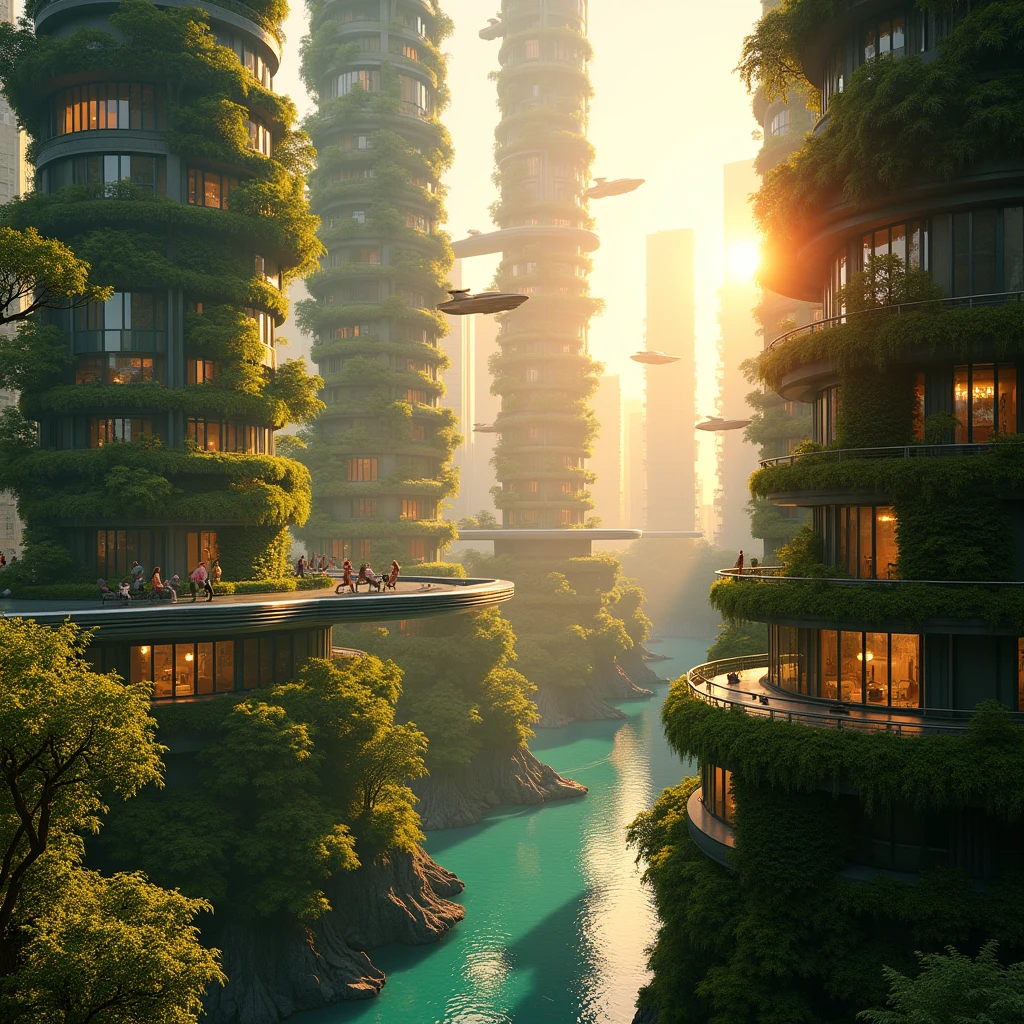
Traditional video production requires filming, editing, and often expensive visual effects. AI keyframe generation collapses that entire workflow into two uploads and a button click. Here is what this means in practice:
For Content Creators
Social media content demands constant output. With AI keyframe video, you can create transformation videos, reveal content, and visual storytelling clips from your existing photo library. Every pair of photos you have ever taken is a potential video waiting to be generated.
For Businesses
Product before-and-after demonstrations, seasonal marketing content, and brand evolution videos become trivially easy. Upload two product shots and get a professional transition video for your website or social ads.
For Artists
Generate AI art in two different styles or states and create a morphing video between them. This opens up entirely new forms of visual art — dynamic pieces that transform, evolve, and tell stories through visual transition.
ZSky AI vs Other Keyframe Video Tools

| Feature | ZSky AI | Runway Gen-3 | Kling | Luma |
|---|---|---|---|---|
| Free tier | unlimited generation on the free tier, no card | Limited, watermarked | Limited daily | Limited daily |
| Keyframe control | First + Last Frame | First + Last Frame | Start/End Frame | Keyframes |
| Max resolution | HD free (4K on Max) | 1080p (paid) | 1080p | 720p free |
| Watermark | No video watermark | Yes (free tier) | Yes (free tier) | Yes (free tier) |
| Audio included | Yes | No | No | No |
| Hardware | Dedicated RTX 5090 | Shared cloud | Shared cloud | Shared cloud |
| Commercial use | Yes, all plans including free | Paid only | Paid only | Paid only |
Tips for Professional-Quality Keyframe Videos
Match aspect ratios. Use the same aspect ratio for both images. If your first frame is 16:9, make your last frame 16:9 too. Mismatched ratios force the AI to crop or stretch, which reduces quality.
Think about the journey, not just the endpoints. The most compelling keyframe videos have an interesting story between the two frames. A caterpillar and a butterfly tell a more interesting story than two random objects.
Use motion prompts strategically. Adding a text description like "slow dissolve with golden particles" or "dramatic fast-forward with motion blur" gives the AI stylistic direction for the transition itself.
Leverage AI-generated images. You do not need to use photographs. Generate two images using ZSky AI's image generator, then use those as your keyframes. This gives you complete creative control over both endpoints.
Experiment with extremes. Some of the most visually striking keyframe videos come from dramatic contrasts: fire and ice, desert and ocean, ancient ruins and futuristic city. The AI excels at finding creative paths between visual extremes.
Prompt Examples for Keyframe Video
While the two images drive most of the output, adding a text prompt refines the transition style:
- For smooth morphs: "Gradual, smooth transition with soft focus intermediate stages"
- For dramatic reveals: "Quick zoom pull-back revealing the full scene transformation"
- For time-lapses: "Natural progression of time passing, consistent lighting evolution"
- For artistic morphs: "Painterly transition with visible brushstroke effects dissolving between states"
- For product reveals: "Clean, professional unboxing motion with studio lighting"
How Long Can a Free Keyframe Video Be?
On the free tier, ZSky AI renders keyframe videos in HD with synchronized audio, up to 5 seconds per clip — enough for one clean transition between your start and end frame. That covers most transformation clips, before/after reveals, and single-shot morphs. If you need a longer sequence, Pro raises the ceiling to 1080p up to 7 seconds, and Max renders up to 30 seconds in 4K. For longer stories on the free tier, generate a few keyframe pairs and stitch the clips together in your editor of choice — no credit card or signup is required to start, on any tier.
Frequently Asked Questions
What is an AI keyframe video generator?
An AI keyframe video generator lets you define two key moments — a start image and an end image — and the AI automatically generates all the frames in between. This creates a smooth video transition from your first frame to your last frame, with realistic motion and natural visual flow.
Can I generate keyframe videos for free?
Yes. ZSky AI provides unlimited video and image generation on the free tier, which you can use for keyframe video generation. No credit card or subscription is required. Output is HD MP4 with synchronized audio, up to 5 seconds per clip on the free tier.
What is the difference between keyframe video and text-to-video?
Text-to-video generates a video from a written description alone, giving the AI full creative freedom. Keyframe video generation lets you define the exact visual start and end points, giving you precise control over what the video looks like.
What image formats are supported for keyframe input?
ZSky AI accepts JPG, PNG, and WebP images for keyframe input. For best results, use images with similar dimensions and aspect ratios for both the start and end frames.
How long does keyframe video generation take?
Keyframe video generation typically takes 30 to 90 seconds on ZSky AI's dedicated RTX 5090 GPUs. Complex transitions with dramatic visual changes may take slightly longer.
Start Creating Keyframe Videos
Define the beginning. Define the end. Let AI fill in the magic. Free, fast, and HD video.
Try It Free →Related read: AI Image Generator High Quality: Get Pro Results Free.
Related read: Can AI Generate Text in Images? Best Tools for Text (2026).